
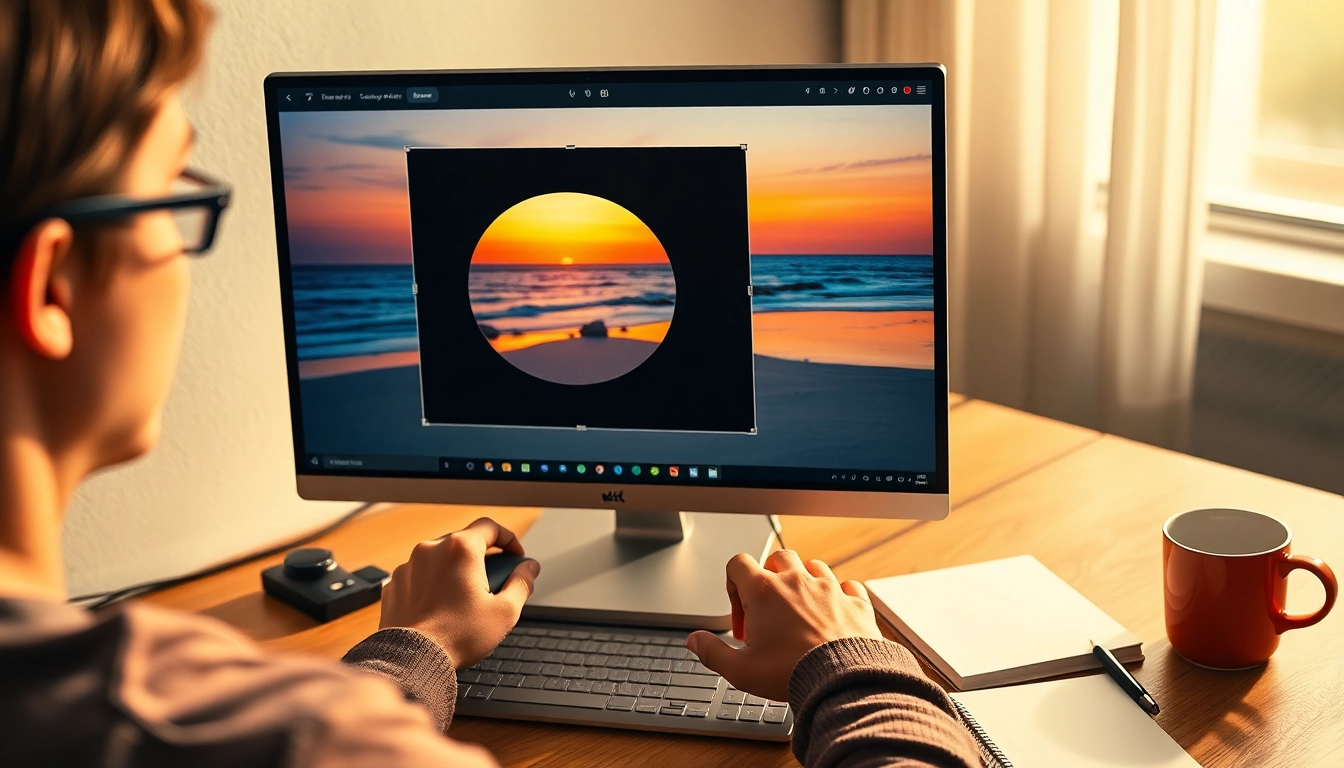
Understanding the Basics of Image Circle Crop
When it comes to enhancing your visual storytelling, mastering the art of cropping can make all the difference. One compelling technique in this realm is the image circle crop. This method not only allows you to focus on key elements of your photograph but also adds a fresh and intriguing aesthetic that can elevate your images, especially on social media platforms where visual appeal is paramount. In this article, we will delve into the specifics of circle cropping images, exploring why this technique is beneficial and how it compares to other methods such as resizing.
What is Image Circle Crop and Why Use It?
Image circle cropping is a process of trimming a photo into a circular shape, which can be particularly useful for profile pictures, logos, or any visual that benefits from a softer, more organic form compared to traditional rectangular crops. This technique can enhance visual interest, draw attention to the subject, and lend a more personalized touch to your images. As digital platforms evolve, so do aesthetic trends, making circle crops a popular choice for modern web design and social media profiles.
Key Differences: Crop vs. Resize
While cropping and resizing are both essential tools in image editing, they serve different purposes. Cropping refers to the removal of parts of an image to improve composition or focus on a specific area. In contrast, resizing alters an image's dimensions without necessarily changing how the subject is framed. Both can contribute to improving the overall impact of your images, but understanding their unique applications is crucial for effective photo editing.
Choosing the Right Aspect Ratio for Your Needs
When cropping images, selecting the appropriate aspect ratio is vital. This choice depends on the final use of the image. For instance, social media platforms like Instagram favor square images, while Facebook or YouTube may require different dimensions. Additionally, the ability to customize aspect ratios when circle cropping can help ensure your images fit seamlessly into any format.
Step-by-Step Guide to Circle Cropping Images
Using Online Tools for Quick Circle Cropping
Today, numerous online tools offer user-friendly interfaces for circle cropping images. Websites like CropPhoto provide streamlined functionalities, allowing both novices and seasoned photographers to achieve professional results without needing extensive technical knowledge. Users can easily upload images, select the desired circle crop area, and make adjustments as needed, making this process fast and efficient.
How to Upload and Select the Perfect Area
The first step in circle cropping is uploading the image you wish to edit. After uploading, users can drag and drop to select the circular area they want to keep. Most online tools provide a visual representation of the crop area, allowing you to adjust the size and position until the desired portion of the image is highlighted. This visual feedback is crucial in ensuring you capture the essence of the subject while maintaining aesthetic balance.
Adjusting Your Crop for Optimal Composition
Once the area is selected, you can fine-tune the composition by adjusting parameters such as size, position, and even rotation. Many tools include features that allow for zooming in or out, which helps in capturing fine details that may enhance the overall image quality. The key here is to focus on the most critical aspects of your photo and eliminate distractions that may detract from the visual message you wish to convey.
Advanced Techniques for Flawless Circle Cropping
Maintaining Image Quality During Cropping
A common concern when cropping images is the potential loss of quality. It’s important to choose tools that provide high-resolution output and allow for lossless compression, ensuring that your final image retains its original clarity and detail. This is especially crucial for professional applications where image integrity affects perception and engagement.
Smart Crop: Automatic Composition for Enhanced Aesthetics
Modern cropping tools are beginning to incorporate AI-driven features like Smart Crop, which automatically determines the most visually appealing composition based on the image's content. This feature can save time and enhance results by suggesting optimal crop areas that you may not have considered, particularly in complex images where the main subject is not clearly defined.
Creative Circle Crop Shapes for Unique Designs
Beyond basic circle cropping, creative shapes such as hearts, stars, or custom figures can add a unique flair to your visuals. These shapes can be used effectively in various applications, from creating themed social media posts to designing promotional materials. Leveraging these advanced features not only enhances the visual appeal but also helps your work stand out in a crowded online space.
Common Challenges in Circle Cropping and How to Overcome Them
Addressing Framing Issues in Portrait vs. Landscape Images
One of the primary challenges in circle cropping is dealing with images of different orientations. Portrait images often have more room to play with when cropping compared to landscape images, which might require tight adjustments to ensure the subject remains centered. Understanding how to manage these differences will help produce consistently high-quality results.
Common Misconceptions About Image Quality Preservation
Many individuals assume that cropping inherently sacrifices image quality. However, with the right tools and techniques, it is possible to crop images while maintaining or even enhancing their quality. Utilizing high-resolution images and saving them in formats like PNG or TIFF can significantly mitigate any quality loss.
Tips for Perfecting Your Circle Crop for Social Media Use
To ensure your circle cropped images are effective for social media, consider the following tips: balance subject placement within the circular frame, maintain consistent sizing for uniformity across platforms, and ensure lighting and color balance remains intact. These strategies will help ensure that your images achieve maximum engagement and visual impact.
The Future of Image Circle Crop Tools in 2026
Trends in Photo Editing Technology and Their Implications
The landscape of photo editing continues to evolve rapidly, with advancements in artificial intelligence and machine learning likely to play a significant role in shaping future cropping tools. In 2026, we can expect tools that not only automate cropping but also intelligently suggest enhancements based on the user's style and preferences.
Emerging Features to Look for in Online Cropping Tools
Future cropping tools may integrate augmented reality features, allowing users to visualize how their circle cropped images will look in real-world applications. Additionally, enhanced customization options will likely be available, enabling users to create bespoke shapes or effects that align with their brand identity or personal style.
How User Preferences are Shaping Design Tools
The continuous feedback loop between users and developers will undoubtedly shape the future of design tools. As preferences shift towards more personalized, visually stunning images, cropping tools will need to adapt by incorporating new creative functionalities that allow for greater flexibility and artistic expression.