Understanding VPN Routers for Home
What is a VPN Router?
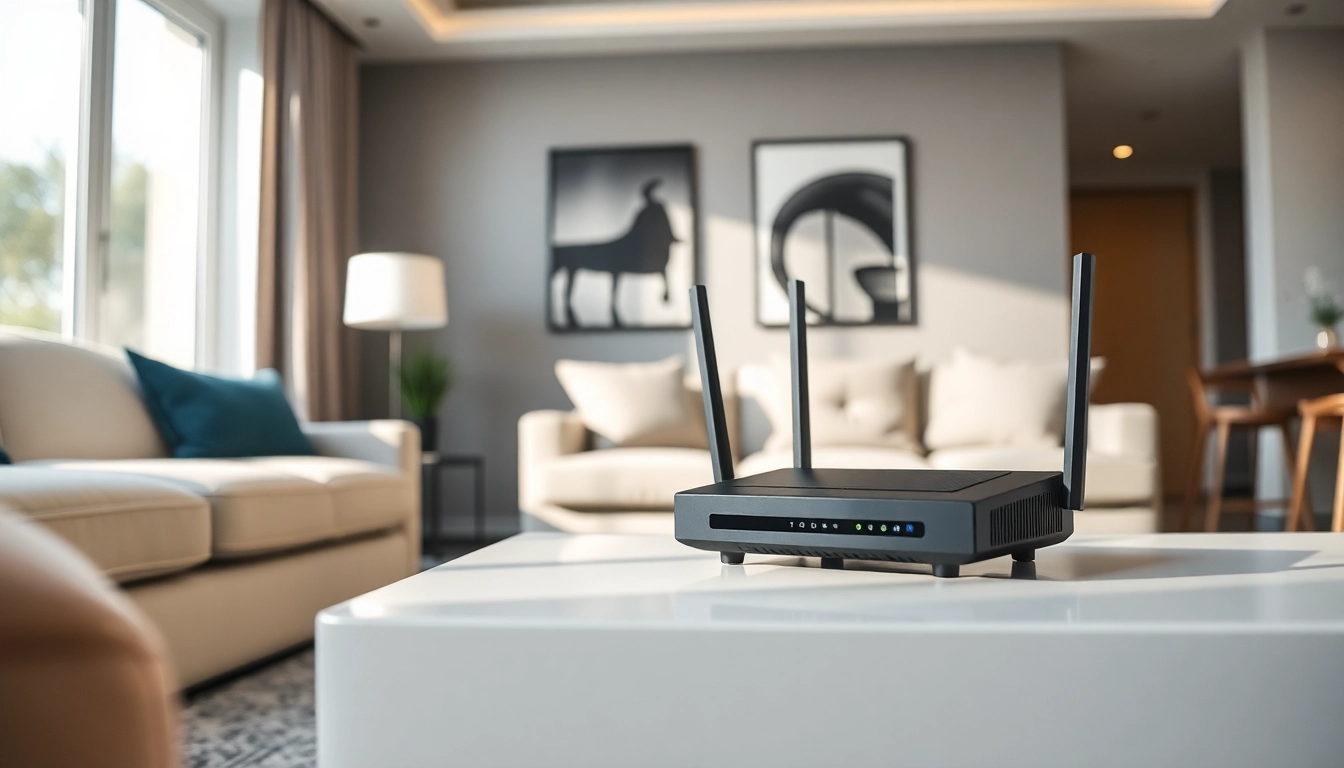
A VPN router is a networking device that routes internet traffic through a Virtual Private Network (VPN), securing the connection for all devices connected to it. Unlike traditional routers that manage internet traffic without encryption, a VPN router encrypts all data that passes through it, enhancing privacy and security for every connected device. This capability makes it particularly useful for homes with multiple devices needing protection from cybersecurity threats.
Benefits of Using a VPN Router for Home
Integrating a VPN router into your home network offers several advantages:
- Comprehensive Coverage: All devices connected to a VPN router benefit from the encryption, including smart TVs, gaming consoles, and IoT devices.
- Enhanced Privacy: Your online activities remain private from prying eyes, including ISPs and hackers.
- Access to Geo-Restricted Content: VPN routers allow users to bypass geographic restrictions, giving access to content from different countries.
- Multiple Device Protection: With just one VPN subscription, you can secure multiple devices simultaneously without installing software on each one.
Key Features to Look for in a VPN Router
When selecting a VPN router for home use, consider the following key features:
- Processor Speed: A router with a robust CPU will handle VPN encryption more efficiently, leading to better performance.
- RAM: Adequate memory ensures smooth functioning, especially when several devices are connected at once.
- VPN Protocol Support: Ensure the router supports various protocols such as OpenVPN, L2TP/IPsec, or PPTP, depending on your needs.
- Firmware Compatibility: Look for routers that support customizable firmware, enabling advanced features.
- Security Features: Options like a built-in firewall, anti-malware, and intrusion detection can significantly enhance your network security.
Top VPN Routers for Home Use
Best Budget VPN Routers
Finding an economical VPN router that doesn't compromise performance is possible. These routers provide essential features at a budget-friendly price:
- TP-Link Archer A7: This affordable router offers solid performance and easy setup, ideal for basic users looking for VPN capability.
- Netgear R6230: Known for reliability, it supports most VPN services and provides decent speeds.
- GL.iNet GL-AR750S: Compact and portable, it's perfect for travel with VPN pre-installed.
Best VPN Routers for High-Speed Connections
For users who prioritize speed, consider routers designed to handle higher bandwidth demands:
- Asus RT-AX88U: This router features Wi-Fi 6 technology, enabling faster speeds, and handles heavy data loads efficiently.
- Netgear Nighthawk RAX120: With high-speed capabilities and superior range, it’s perfect for streaming and gaming.
- Linksys WRT3200ACM: Ideal for power users, it allows advanced configurations with open-source firmware.
Premium VPN Routers for Advanced Needs
For users seeking top-tier performance and features, the following routers deliver premium options:
- Synology RT2600ac: A robust router with extensive features for advanced security and performance.
- Xiaomi Mi Router AX9000: A gaming router that provides exceptional speed and stability.
- Asus ROG Rapture GT-AX11000: Designed for gamers, it offers high performance and smart device management.
Setting Up Your VPN Router at Home
Step-by-Step Guide to Installation
Setting up a VPN router can vary between models, but these general steps apply to most:
- Connect your router: Use an Ethernet cable to connect the router to your modem.
- Access the router admin panel: Open a web browser and enter the router’s IP address.
- Log in: Enter the username and password, typically set to default values unless changed.
- Configure VPN settings: Locate the VPN section and enter your service provider’s credentials.
- Save settings: Apply the changes and restart the router if necessary.
Troubleshooting Common Setup Issues
If you encounter problems during setup, here are solutions to common issues:
- Cannot Access Admin Panel: Ensure you are connected to the network, and try using a different browser.
- VPN Fails to Connect: Double-check VPN credentials and settings against your provider's recommendations.
- Slow Speeds: Consider optimizing your router placement or switch VPN protocols to see if it improves performance.
How to Connect Devices to Your VPN Router
Once installed, connecting devices to your VPN router is straightforward:
- For Wired Connections: Use Ethernet cables to connect devices directly to the router.
- For Wireless Connections: Connect via Wi-Fi by selecting the network from your device's Wi-Fi menu and entering the password.
- For Smart Devices: Follow specific app or device instructions to connect seamlessly to your VPN-protected network.
Optimizing Performance of Your VPN Router for Home
Improving Speed and Security
Enhancing the performance of your VPN router involves both speed and security measures:
- Firmware Updates: Regularly check for firmware updates to ensure security patches and performance enhancements.
- Correct VPN Protocol: Choose the right protocol based on your needs; OpenVPN usually offers a balance between speed and security.
- Router Placement: Position your router in a centralized location to maximize coverage and speed.
Maintaining Your VPN Router
Regular maintenance is key to extending the life of your VPN router:
- Regular Password Changes: Change the default access password and your Wi-Fi password regularly to maintain security.
- Monitoring Traffic: Keep an eye on connected devices and bandwidth usage to identify any unauthorized access.
- Rebooting: Periodically reboot your router to clear memory and maintain speed.
Common Performance Issues and Fixes
Identifying and fixing common issues can significantly improve your router's performance:
- Buffering During Streaming: Switch to a wired connection and verify your internet speed.
- Frequent Disconnections: Check for router firmware updates and consider changing the VPN server you are connected to.
- Lag in Online Gaming: Use Quality of Service (QoS) settings to prioritize your gaming device's traffic.
FAQs about VPN Routers for Home
Is a VPN router good for home use?
Yes, a VPN router is excellent for home use as it provides security for all connected devices, ensuring safer browsing and encryption of data.
What is the best VPN router for home?
The best VPN router depends on your needs, but models offering Wi-Fi 6 and advanced security features are typically recommended for home use.
How to set up a VPN on a router?
To set up a VPN, access the router's admin panel, configure the VPN settings per your provider's instructions, and save the changes to apply.
Do VPN routers work with all devices?
VPN routers usually work with most devices as they encrypt the internet connection for everything connected to the network.
Is there a difference between a VPN and a VPN router?
Yes, a VPN encrypts your internet traffic on individual devices or networks, while a VPN router secures the entire network, providing protection for all connected devices.
For more information on choosing and using a vpn router for home, please continue exploring resources available online.